|
|
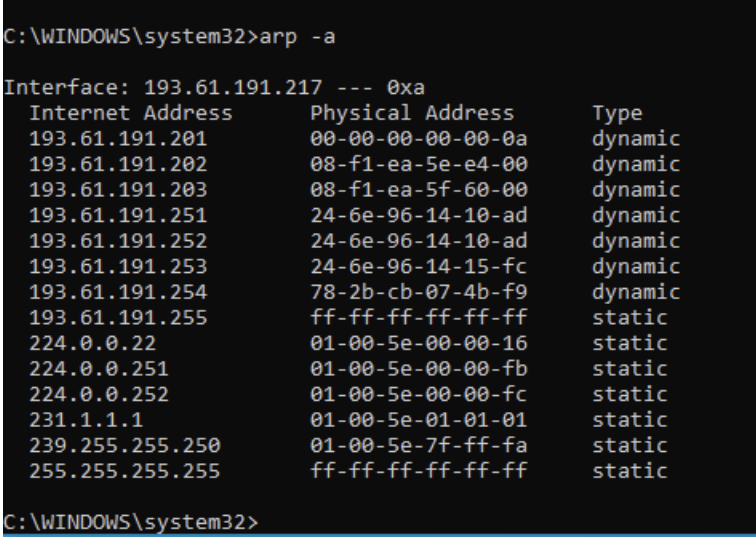
The Command Prompt program allows you to work in an environment that looks more like a traditional operating system as opposed to the icon based Windows environment. In Command Prompt, you will use your keyboard. You won't use your mouse at all. Command Prompt works at a lower level than Windows. This means that you will have more control over the machine. The disadvantage is that it is less user-friendly.
One way to open a new command promopt is to press the Windows key and R and then type cmd. (Note, the windows key is between CTRL and ALT on left of the keyboard.)
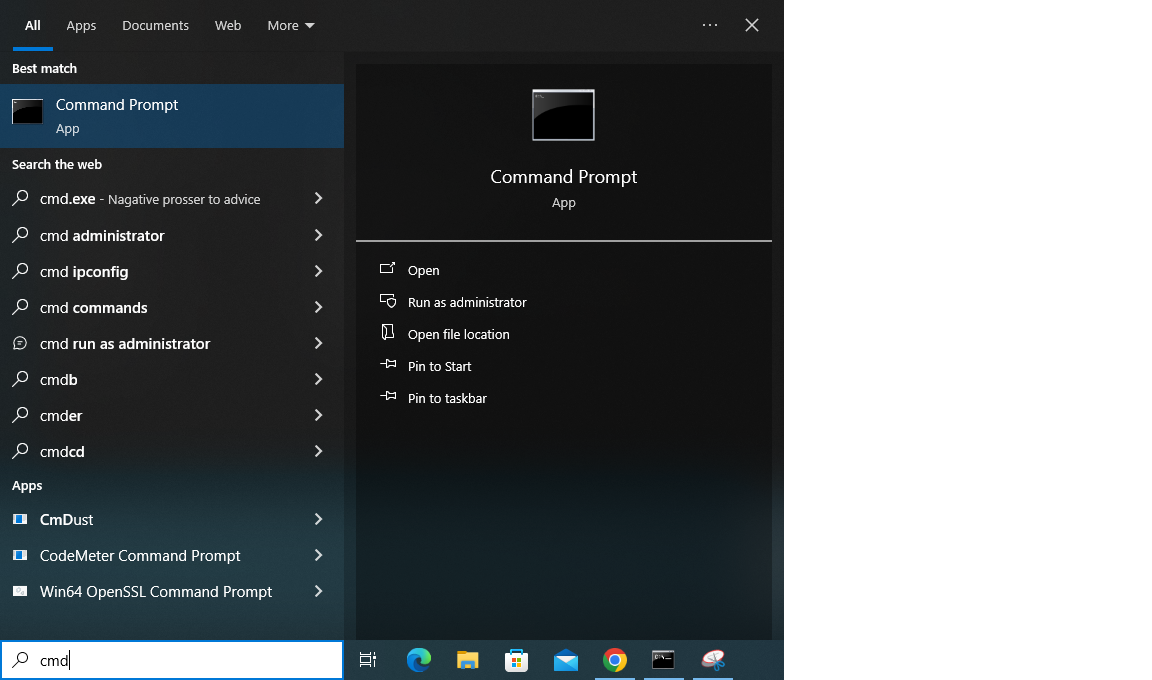
You can also simply type the command cmd into the search bar in the bottom left of the desktop (see below).
|
|
You can also use Command Prompt commands to organize files into a directory hierarchy. These commands are equivalent to corresponding commands that you access via the Windows point-and-click interface. It is useful to be familiar with both interfaces for managing files.
C:\> dir

There are 4789 items in this directory. Some of them are executable files, like wizard.exe. Others are directories, like zn-CN. Of course your view will differ depending on which directory you are in.
To change directory to the root C:\ directory, use the cd\ command.
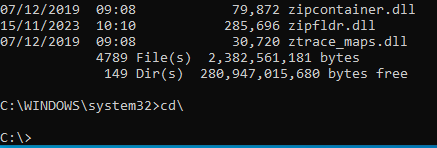
C:\> cd\
Now, the command prompt will be:
To change directory to another directory, use the cd command with the name of the directory. E.g. Type cd windowsC:\>

Now, the command prompt will be:
C:\Windows>
To see what is in this directory type: dir
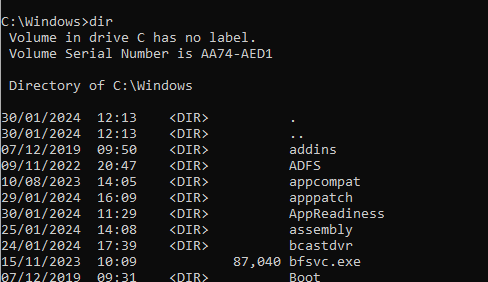
To return to the previous directory, use the cd command, but this time followed by two periods.
C:\Windows> cd..
C:\>
C:\> mkdir hello
To see that it actually worked, use the dir command.
C:\> dir
 Volume in drive C has no label.
 Volume Serial Number is C8C7-BDCD

 Directory of C:\

02/10/2005  08:59 PM    DIR            .
02/10/2005  08:59 PM    DIR            ..
02/11/2005  02:53 PM    DIR            hello
02/03/2005  11:53 PM               126 file1.exe
01/17/2005  01:16 AM               256 file2.txt
               2 File(s)            382 bytes
               3 Dir(s)
C:\> rmdir hello
To see that it actually worked, use the dir command. It should be gone now.
C:\> dir
 Volume in drive C has no label.
 Volume Serial Number is C8C7-BDCD

 Directory of C:\

02/10/2005  08:59 PM    DIR            .
02/10/2005  08:59 PM    DIR            ..
02/03/2005  11:53 PM               126 file1.exe
01/17/2005  01:16 AM               256 file2.txt
               2 File(s)            382 bytes
               3 Dir(s)
|
|